
Appearance
The desktop app
sh
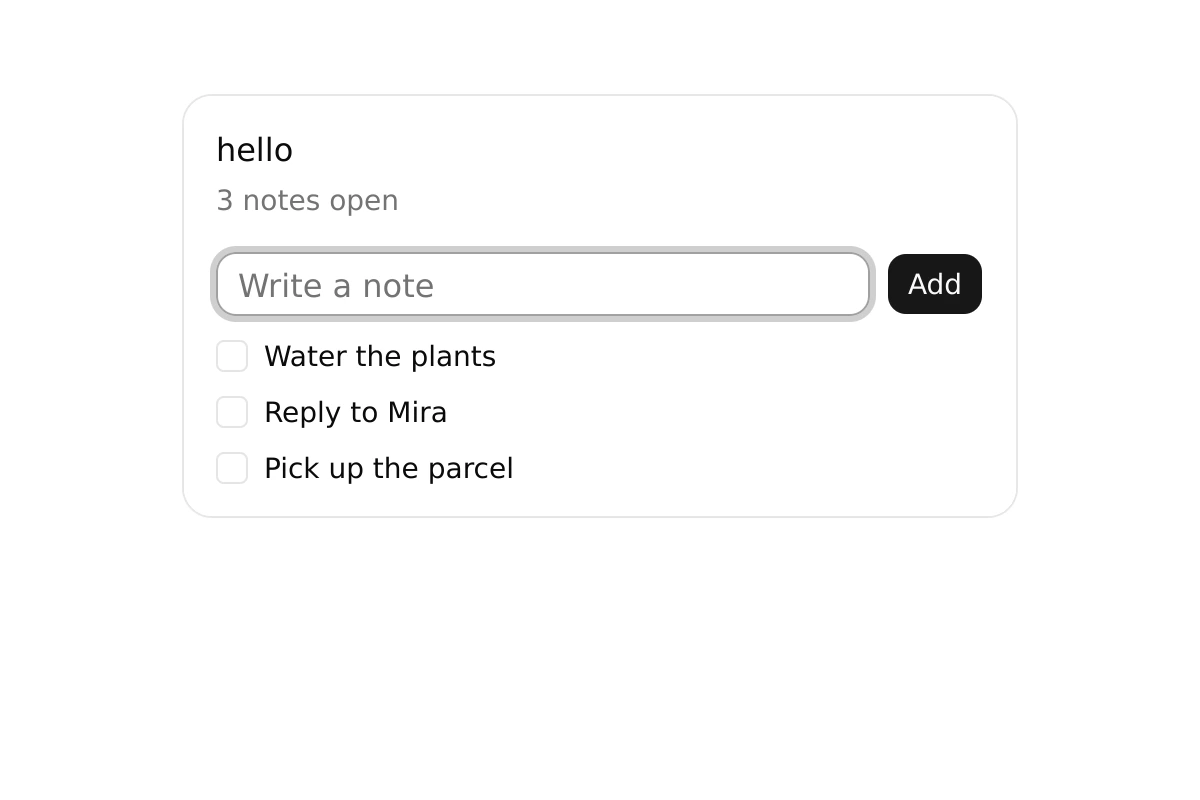
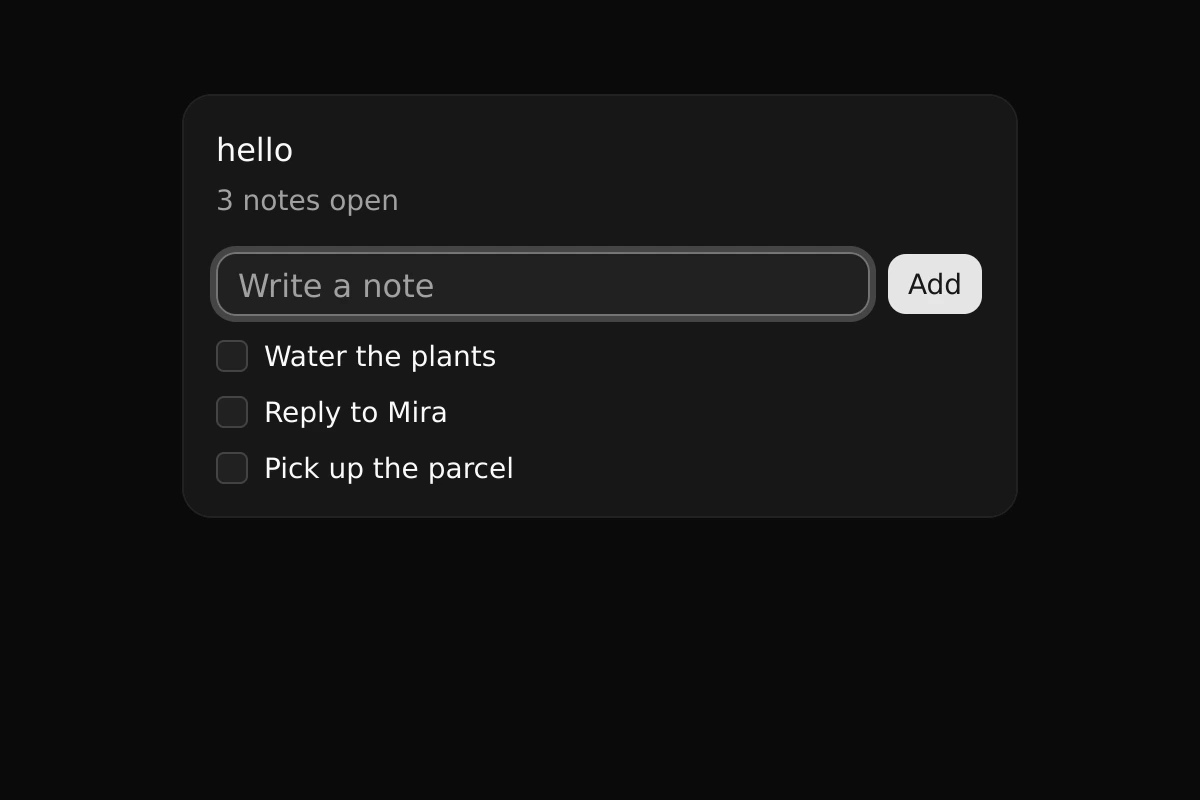
weft dev hello --windowThat opens an app's pages in a native window instead of serving them. The window is Weft's desktop app, weft-desktop: the same project runs on the Rust VM, is laid out by Weft's layout engine and is drawn by its own GPU renderer (wgpu), with no browser and no JavaScript.
A window without routes
A project that names a component in its weft.toml opens that component in a window, with no app around it:
toml
component = "Counter"Counter.weft
weft
let mut count = 0
---
<Box class="flex h-full items-center justify-center gap-3 p-8">
  <Pressable class="rounded-md border px-3 py-1.5" onpress={count -= 1}><Text>−</Text></Pressable>
  <Text class="w-12 text-center text-2xl font-semibold">{count}</Text>
  <Pressable class="rounded-md border px-3 py-1.5" onpress={count += 1}><Text>+</Text></Pressable>
</Box>
weft run counter opens it (so does weft dev counter). The component's code runs as it would on a page: state, derived values, effects and timers.
What the window gives the code
The screen's facts are in env, as on every platform: env.platform is "desktop", env.width and env.height are the window's size in logical pixels, env.pixelRatio its scale, and env.colorScheme follows the system's light or dark mode.
Size.weft
weft
---
<Box class="p-4">
  <Text>{env.platform}: {env.width} × {env.height} at {env.pixelRatio}×, {env.colorScheme}</Text>
</Box>
Input is the window's: the pointer, the wheel and touchpad with momentum, the keyboard with IME, focus and Tab order, and screen readers through AccessKit. Presses, long presses and drags follow the same gesture rules as the web.
How it draws
A frame lays the tree out again only when something changed; the renderer re-records only the parts whose box, style or text changed, and the window sleeps until an event or a timer. Scrolling and motion change no layout.
weft-desktop is installed beside weft (~/.weft/bin), and found there. The whole design: the reference, spec/desktop.md and spec/render.md in the repository.